
Webflow's CMS is excellent for content-driven sites, but two hard limits make product reviews genuinely difficult to implement natively. This tutorial walks through the full solution: a Cloudflare Worker that handles fetching, caching, and filtering — paired with a JavaScript star rating widget that injects into your product pages without touching Webflow's editor.
The Problem
Webflow's CMS has two limitations that make product reviews tricky:
- 01 - You can't nest collection lists — you can't loop over reviews inside a product list.
- 02 - Collection lists cap at 100 items — if you have more than 100 reviews the rest won't render.
Architecture Overview
The architecture is straightforward:
- 01 - JS collects product slug(s) from the DOM on your Webflow page.
- 02 - Fetches from your Cloudflare Worker, passing the slug(s) as query params.
- 03 - Worker fetches all reviews from the Webflow CMS API with pagination (bypassing the 100-item cap).
- 04 - Worker resolves product reference IDs to slugs so filtering works correctly.
- 05 - Worker caches the full review set for 24 hours to avoid hammering the API.
- 06 - Worker filters and returns only matching reviews for the requested slug(s).
- 07 - JS builds the star rating UI and injects it directly into the page.
Step 1: Set Up Your Webflow CMS
Creating the Reviews Collection
In Webflow, go to CMS → Collections → New Collection. Name it Reviews (Webflow will auto-generate the plural/singular forms). Set the Collection URL to reviews.
Once the collection is created, add the following custom fields:
| Field Name | Type | Notes |
|---|---|---|
Rating |
Number | Integer 1–5 |
Review |
Rich text | Main review body |
Review Title |
Plain text | Short headline for the review |
User Initials |
Plain text | Displayed instead of full name for privacy |
Approved |
Switch | Default off — used to moderate before publishing |
Submitted at |
Date/Time | Set by the worker on submission |
Product |
Reference | Required. Points to your Products collection — this is how reviews get matched to products |
The Name and Slug fields are created automatically by Webflow for every collection — you don't need to add them manually. No changes are needed to your Products collection; you'll use the existing slug field Webflow generates.
Once saved, copy the Collection ID from the Collection Settings panel — you'll need it when configuring the Cloudflare Worker secrets.
Step 2: Create the Cloudflare Worker
Sign up at cloudflare.com and create a new Worker. This handles fetching, caching, filtering, and creating reviews. The worker exposes two endpoints: a GET for fetching reviews by product slug and a POST for submitting new ones.
export default {
  async fetch(request, env) {
    const API_TOKEN = env.API_TOKEN;
    const REVIEWS_COLLECTION_ID = env.REVIEWS_COLLECTION_ID;
    const PRODUCTS_COLLECTION_ID = env.PRODUCTS_COLLECTION_ID;

    const allowedOrigins = [
      'https://your-site.webflow.io',
      'https://www.yoursite.com',
    ];
    const origin = request.headers.get('Origin');
    const allowedOrigin = allowedOrigins.includes(origin) ? origin : allowedOrigins[0];

    const headers = {
      'Authorization': `Bearer ${API_TOKEN}`,
      'accept': 'application/json',
      'content-type': 'application/json'
    };

    const corsHeaders = {
      'Content-Type': 'application/json',
      'Access-Control-Allow-Origin': allowedOrigin
    };

    if (request.method === 'OPTIONS') {
      return new Response(null, {
        headers: {
          'Access-Control-Allow-Origin': allowedOrigin,
          'Access-Control-Allow-Methods': 'GET, POST, OPTIONS',
          'Access-Control-Allow-Headers': 'Content-Type'
        }
      });
    }

    // POST — create a new review
    if (request.method === 'POST') {
      const body = await request.json();
      const { name, product, reviewTitle, review, rating } = body;

      const productRes = await fetch(
        `https://api.webflow.com/v2/collections/${PRODUCTS_COLLECTION_ID}/items?live=true&limit=100`,
        { headers }
      );
      const productData = await productRes.json();
      const productItem = productData.items.find(item => item.fieldData.slug === product);

      const createRes = await fetch(
        `https://api.webflow.com/v2/collections/${REVIEWS_COLLECTION_ID}/items`,
        {
          method: 'POST',
          headers,
          body: JSON.stringify({
            fieldData: {
              name,
              'review-title': reviewTitle,
              review,
              rating: Number(rating),
              product: productItem.id,
              slug: `${product}-${Date.now()}`,
              'submitted-at': new Date().toISOString(),
              approved: false
            }
          })
        }
      );

      const created = await createRes.json();

      if (created.id) {
        const cache = caches.default;
        await cache.delete(new Request('https://cache.internal/all-reviews'));
        return new Response(JSON.stringify({ success: true }), { headers: corsHeaders });
      }
    }

    // GET — fetch and filter reviews
    const url = new URL(request.url);
    const slugsFilter = url.searchParams.get('slugs');
    const slugFilter = url.searchParams.get('slug');

    const cache = caches.default;
    const cacheKey = new Request('https://cache.internal/all-reviews');
    let allReviews = null;

    const cached = await cache.match(cacheKey);
    if (cached) {
      allReviews = await cached.json();
    } else {
      // Build id → slug map from Products collection
      const productRes = await fetch(
        `https://api.webflow.com/v2/collections/${PRODUCTS_COLLECTION_ID}/items?live=true&limit=100`,
        { headers }
      );
      const productData = await productRes.json();
      const idToSlug = {};
      (productData.items ?? []).forEach(item => {
        idToSlug[item.id] = item.fieldData.slug;
      });

      // Paginate all reviews (bypasses 100-item CMS cap)
      let reviewItems = [];
      let offset = 0;
      while (true) {
        const res = await fetch(
          `https://api.webflow.com/v2/collections/${REVIEWS_COLLECTION_ID}/items?live=true&limit=100&offset=${offset}`,
          { headers }
        );
        const data = await res.json();
        reviewItems = reviewItems.concat(data.items ?? []);
        if (reviewItems.length >= data.pagination.total) break;
        offset += 100;
      }

      allReviews = reviewItems.map(item => ({
        ...item,
        fieldData: {
          ...item.fieldData,
          'product-slug': idToSlug[item.fieldData['product']] ?? item.fieldData['product']
        }
      }));

      await cache.put(cacheKey, new Response(JSON.stringify(allReviews), {
        headers: { 'Content-Type': 'application/json', 'Cache-Control': 'max-age=86400' }
      }));
    }

    const slugArray = slugFilter ? [slugFilter] : slugsFilter.split(',').map(s => s.trim());
    const result = allReviews.filter(r => slugArray.includes(r.fieldData['product-slug']));

    return new Response(JSON.stringify(result), { headers: corsHeaders });
  }
};
Store Secrets Securely
Never hardcode your API token. Use Wrangler to store secrets in Cloudflare's environment:
wrangler secret put API_TOKEN
wrangler secret put REVIEWS_COLLECTION_ID
wrangler secret put PRODUCTS_COLLECTION_ID
Generate your Webflow API token with both cms:read and cms:write scopes — cms:write is required for the POST endpoint that creates new reviews.
Step 3: The Rating Widget Embed
Add this embed inside each product collection list item. It creates the container that JavaScript will populate with stars and a count label:
<div class="rating-container" data-rating="">
  <div class="star-rating"></div>
  <div class="rating-label"></div>
</div>
<style>
  .rating-container { display: flex; gap: 12px; align-items: center; }
  .star-rating { display: inline-flex; gap: 4px; }
  .rating-star { color: #fbbf24; }
  .rating-star--empty { color: #d1d5db; }
</style>
Step 4: Product List Page Script
Add this as a page-level embed at the bottom of your product list page. It collects all slugs from the DOM in a single batch request (one fetch instead of one per product), then injects star ratings. A MutationObserver handles Webflow's "load more" pagination automatically.
async function injectRatings(items) {
  const unprocessed = [...items].filter(el => !el.dataset.rated);
  if (!unprocessed.length) return;

  const slugs = unprocessed
    .map(el => el.querySelector('a')?.href.split('/').filter(Boolean).pop())
    .filter(Boolean);

  const res = await fetch(`https://your-worker.workers.dev?slugs=${slugs.join(',')}`);
  const reviewItems = await res.json();

  const reviewsByProduct = {};
  reviewItems.forEach(item => {
    const slug = item.fieldData['product-slug'];
    if (!reviewsByProduct[slug]) reviewsByProduct[slug] = [];
    reviewsByProduct[slug].push({ rating: Number(item.fieldData['rating']) });
  });

  unprocessed.forEach(productEl => {
    const slug = productEl.querySelector('a')?.href.split('/').filter(Boolean).pop();
    const reviews = reviewsByProduct[slug] || [];
    const ratingContainer = productEl.querySelector('.rating-container');
    if (!ratingContainer) return;

    productEl.dataset.rated = 'true';

    if (!reviews.length) { ratingContainer.style.display = 'none'; return; }

    const avg = reviews.reduce((sum, r) => sum + r.rating, 0) / reviews.length;
    renderStars(ratingContainer, avg, reviews.length);
  });
}

function renderStars(container, avg, count) {
  const starContainer = container.querySelector('.star-rating');
  const label = container.querySelector('.rating-label');
  let stars = '';
  for (let i = 1; i <= 5; i++) {
    stars += i <= avg
      ? '<span class="rating-star">★</span>'
      : '<span class="rating-star rating-star--empty">★</span>';
  }
  starContainer.innerHTML = stars;
  if (label) label.textContent = `${avg.toFixed(1)} (${count} Reviews)`;
}

document.addEventListener('DOMContentLoaded', async () => {
  const productList = document.querySelector('#product-list');
  if (!productList) return;
  await injectRatings(productList.querySelectorAll('.w-dyn-item'));

  new MutationObserver(async () => {
    await injectRatings(productList.querySelectorAll('.w-dyn-item'));
  }).observe(productList, { childList: true, subtree: true });
});
Step 5: Single Product Page Script
Add this as a page-level embed on your product template page. It reads the slug from the URL and fetches only the reviews for that product:
document.addEventListener('DOMContentLoaded', async () => {
  const slug = window.location.pathname.split('/').filter(Boolean).pop();
  if (!slug) return;

  const ratingContainer = document.querySelector('.rating-container');
  if (!ratingContainer) return;

  const res = await fetch(`https://your-worker.workers.dev?slug=${slug}`);
  const reviewItems = await res.json();

  if (!reviewItems.length) {
    ratingContainer.querySelector('.rating-label').textContent = 'No reviews yet';
    return;
  }

  const avg = reviewItems.reduce((sum, r) => sum + Number(r.fieldData['rating']), 0) / reviewItems.length;
  const starContainer = ratingContainer.querySelector('.star-rating');
  const label = ratingContainer.querySelector('.rating-label');

  let stars = '';
  for (let i = 1; i <= 5; i++) {
    stars += i <= avg
      ? '<span class="rating-star">★</span>'
      : '<span class="rating-star rating-star--empty">★</span>';
  }
  starContainer.innerHTML = stars;
  label.textContent = `${avg.toFixed(1)} (${reviewItems.length} Reviews)`;
});
Step 6: Review Submission Form
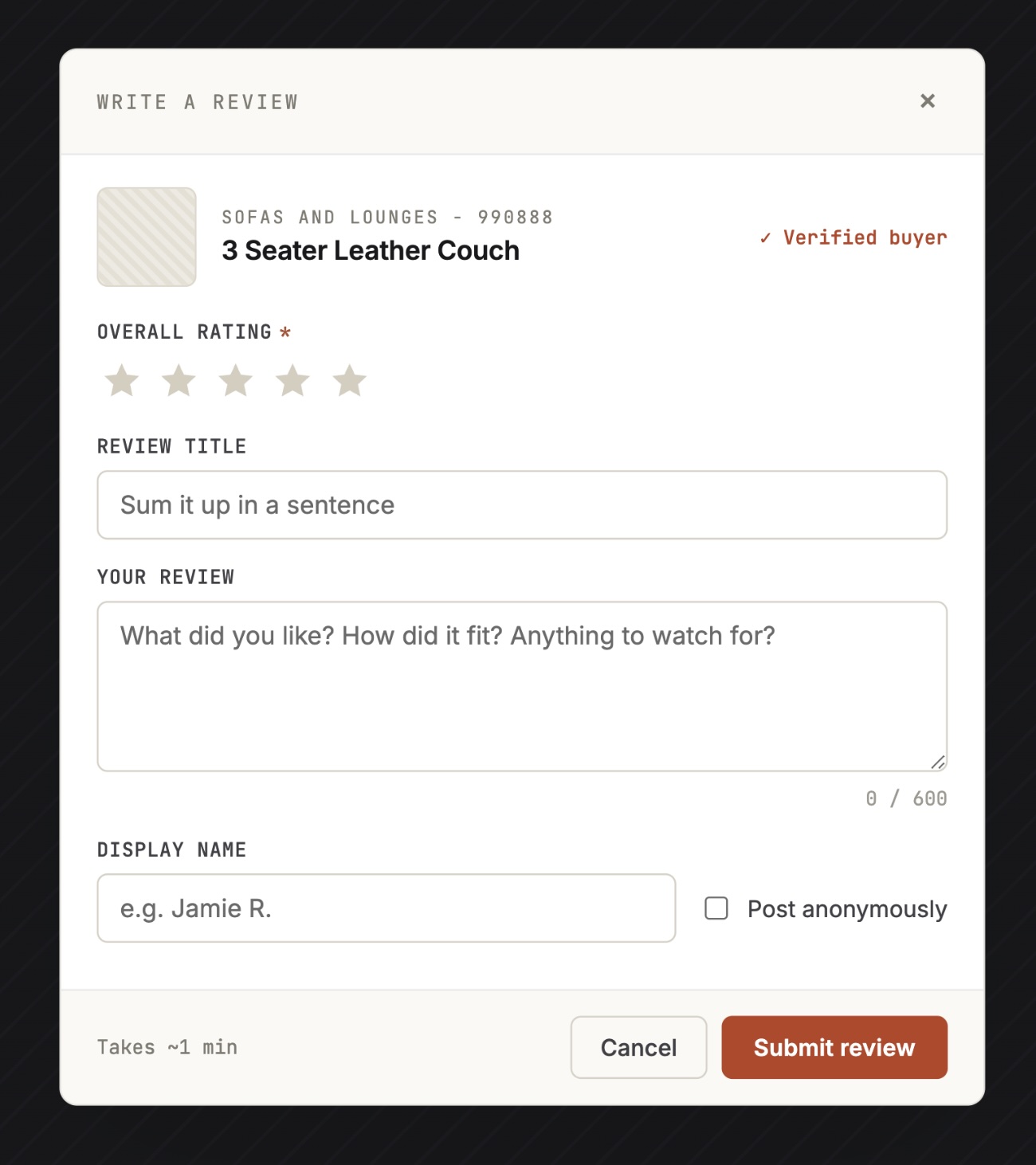
Add a form to your product page with an interactive star picker. The form POSTs directly to your worker, which creates a draft review in Webflow CMS (with approved: false) and busts the cache so approved reviews appear on the next page load.
<form id="review-form">
  <input type="text" name="name" placeholder="Your name" required />
  <input type="text" name="reviewTitle" placeholder="Review title" required />
  <textarea name="review" placeholder="Write your review" required></textarea>
  <div id="star-picker"></div>
  <input type="hidden" name="rating" />
  <input type="hidden" name="product" value="YOUR-PRODUCT-SLUG" />
  <button type="submit">Submit Review</button>
</form>
<div id="review-form-success" style="display:none">
  Thanks for your review! It will appear once approved.
</div>
const form = document.querySelector('#review-form');
const ratingInput = form.querySelector('[name="rating"]');
const starPicker = document.querySelector('#star-picker');
let selectedRating = 0;
for (let i = 1; i <= 5; i++) {
const star = document.createElement('span');
star.dataset.value = i;
star.textContent = '★';
star.style.cursor = 'pointer';
star.style.color = '#d1d5db';
starPicker.appendChild(star);
}
const stars = starPicker.querySelectorAll('span');
stars.forEach(star => {
star.addEventListener('mouseover', () => {
const val = Number(star.dataset.value);
stars.forEach(s => s.style.color = Number(s.dataset.value) <= val ? '#fbbf24' : '#d1d5db');
});
star.addEventListener('mouseout', () => {
stars.forEach(s => s.style.color = Number(s.dataset.value) <= selectedRating ? '#fbbf24' : '#d1d5db');
});
star.addEventListener('click', () => {
selectedRating = Number(star.dataset.value);
ratingInput.value = selectedRating;
});
});
form.addEventListener('submit', async (e) => {
e.preventDefault();
if (!selectedRating) { alert('Please select a star rating.'); return; }
const res = await fetch('https://your-worker.workers.dev', {
method: 'POST',
headers: { 'Content-Type': 'application/json' },
body: JSON.stringify({
name: form.querySelector('[name="name"]').value,
product: form.querySelector('[name="product"]').value,
reviewTitle: form.querySelector('[name="reviewTitle"]').value,
review: form.querySelector('[name="review"]').value,
rating: selectedRating
})
});
const data = await res.json();
if (data.success) {
form.style.display = 'none';
document.querySelector('#review-form-success').style.display = 'block';
} else {
alert('Something went wrong, please try again.');
}
});Key Gotchas
- Webflow reference fields return IDs, not slugs. The
productfield stores the referenced item's ID. The worker resolves these by fetching the Products collection and building anid → slugmap before filtering. - Cache busting on submit. The worker caches all reviews for 24 hours. When a new review is submitted the cache entry is deleted automatically, so the next GET request rebuilds from the API.
- The 100-item cap is why the collection list won't work. The worker paginates through all reviews regardless of count using
offsetincrements. - DOMContentLoaded vs IIFE in embeds. Embeds inside collection list items execute after
DOMContentLoadedhas already fired. Use an immediately invoked async function(async () => { ... })()in those embeds instead of aDOMContentLoadedlistener. - CORS. Always add your production domain and Webflow staging domain to
allowedOriginsin the worker, otherwise browsers will block the fetch entirely.
